AutoContent MCP for Codex and Claude
Create polished content without leaving your assistant
Connect AutoContent once, then ask Codex or Claude for podcasts, videos, infographics, slide decks, and repurposed content in normal language. The result comes back as a finished link.
Watch Codex turn a plain-English request into a finished content link.
Connect once
Run the command for the assistant your team uses. After that, users can stay in Codex or Claude and ask for content normally.
Codex CLI
Add AutoContent to Codex once.
codex mcp add autocontentapi --url https://mcp.autocontentapi.com/mcpCC (Claude Code)
Add AutoContent to Claude Code once.
cc mcp add --transport http autocontentapi https://mcp.autocontentapi.com/mcpEndpoint: https://mcp.autocontentapi.com/mcp. Requires a valid AutoContent API key.
From prompt to finished asset
How the MCP workflow works
Once AutoContent is connected, a user can ask from the terminal in plain English. Codex handles the wait and returns the finished content link.
Ask in plain English
Tell Codex or Claude what you want to create, the same way you would ask a teammate.
AutoContent creates the asset
No dashboard copy and paste. The content job runs while you stay in your assistant.
Codex or Claude waits for you
The assistant keeps the task moving and tells you when the content is ready.
Open the finished link
The result comes back as a ready-to-use content link for your team.
What Users See
The setup is technical once. Daily use is just asking for the asset and opening the result.
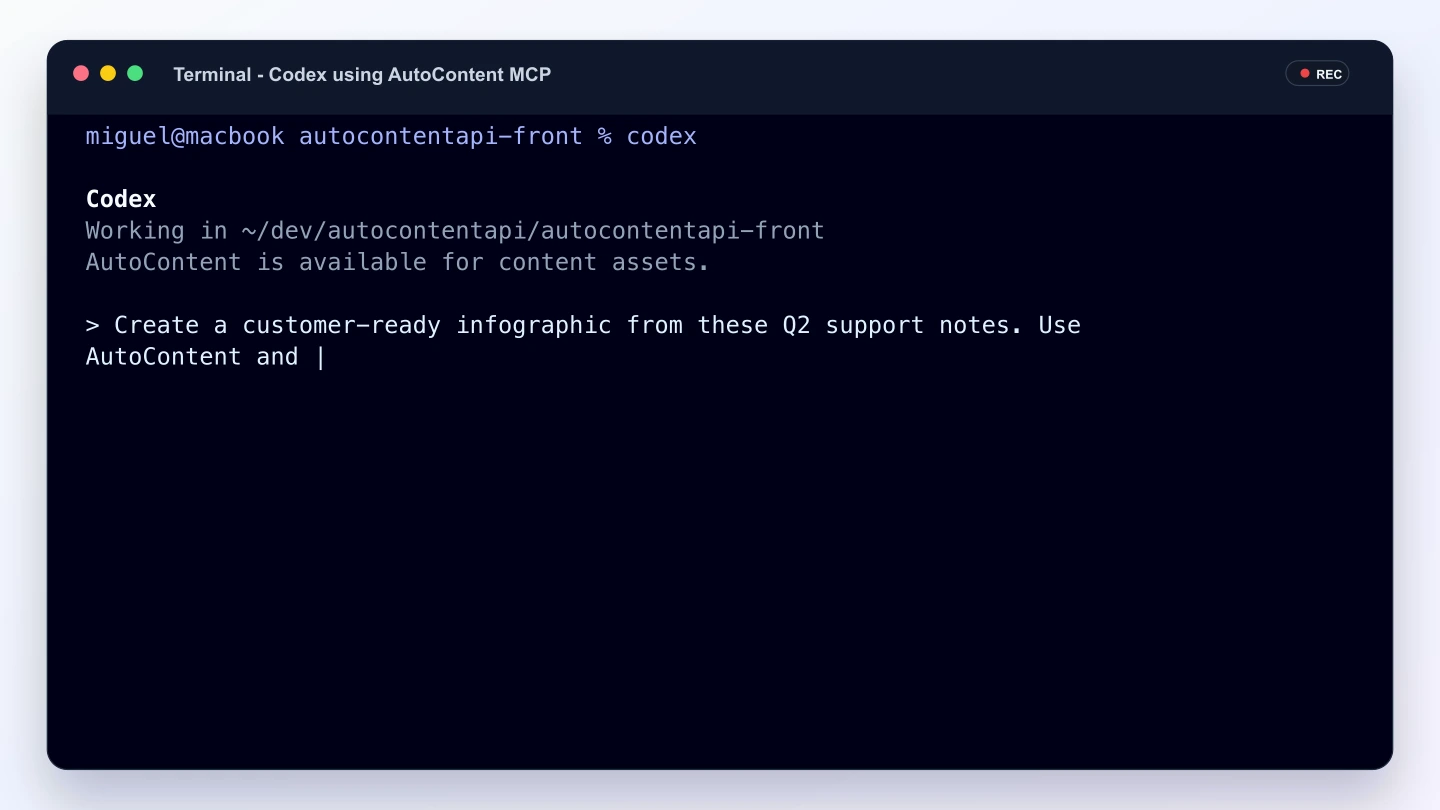
Plain-English terminal request
The user asks for the content asset directly in the Codex terminal.
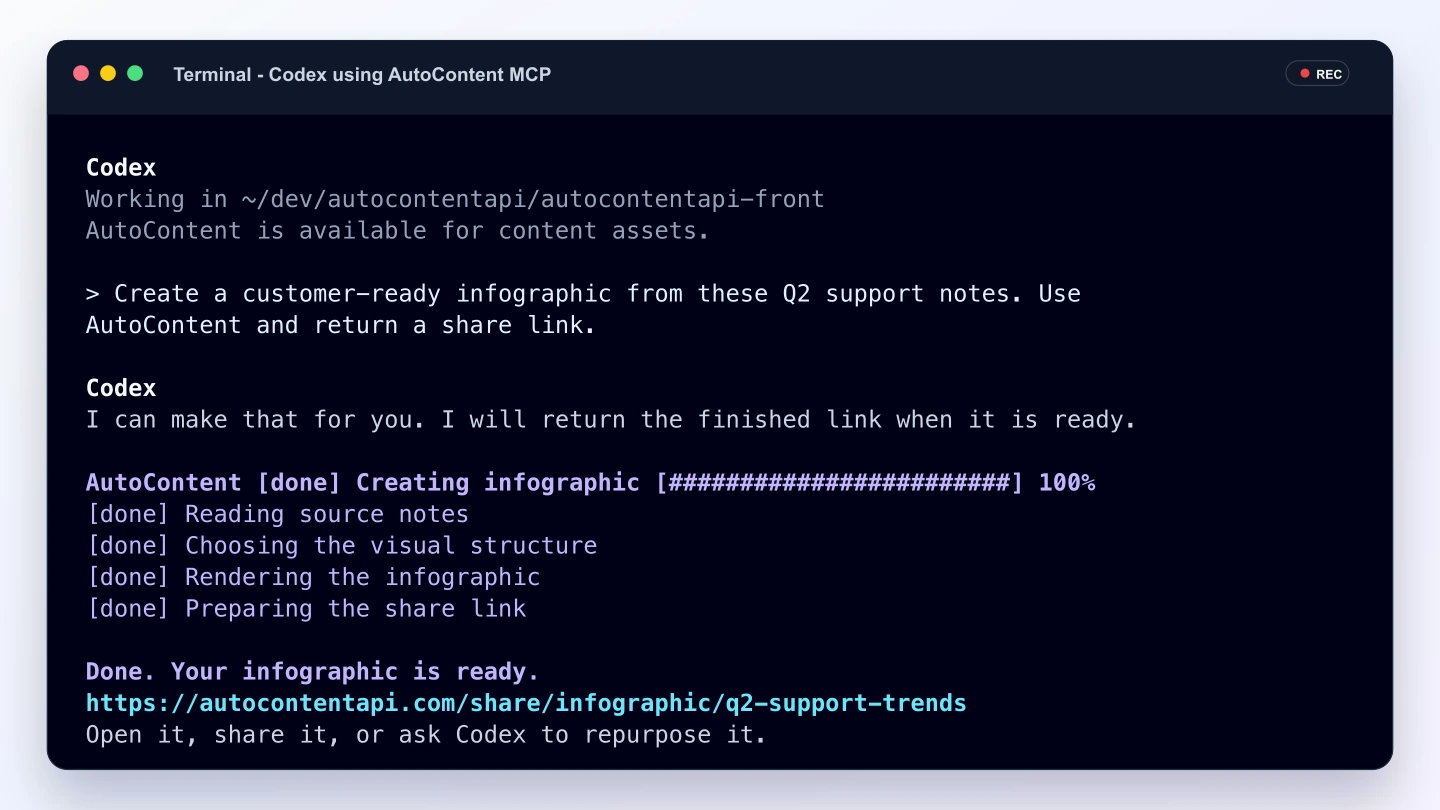
Finished link in terminal
Codex returns the completed AutoContent link directly in the terminal.
Content from chat
What you can ask for
Users do not need to know tool names. They describe the deliverable, provide source material, and let Codex or Claude coordinate the rest.
Podcast briefings
Turn notes, changelogs, reports, or URLs into audio summaries people can listen to.
Infographics
Ask for a one-page visual from research, support trends, product updates, or sales material.
Slide decks
Create first-pass decks for internal updates, client readouts, training, and campaign recaps.
Short videos
Generate recap, explainer, or social videos from source content without leaving the chat.
Repurposed content
Turn a good asset into another format, such as a deck into a podcast or a report into a video.
Unofficial alternative
Looking for a NotebookLM MCP server?
AutoContent MCP is not an official Google or NotebookLM product. You can use it from Codex or Claude for a similar source-to-content workflow across podcasts, infographics, slide decks, and videos. The public library contains 540 finished assets from 108 projects. It does not connect to or read notebooks stored in your Google account.
Prompt examples
Start with the outcome
These are the kinds of requests a nontechnical user can paste into Codex or Claude after AutoContent is connected.
“Create a customer-ready infographic from these Q2 support notes.”
“Turn this webinar transcript into a short recap video for LinkedIn.”
“Make a five-slide sales deck from this product launch brief.”
“Create a weekly podcast summary from these release notes and roadmap updates.”
“Repurpose this client report into a visual one-pager and a short audio brief.”
Ready when your team asks
AutoContent MCP turns Codex and Claude into a content creation workspace. The technical setup happens once; the daily workflow feels like asking a teammate to make the asset.
FAQ
Do I need an API key to use AutoContent MCP?
Yes. Your AutoContent account needs a valid API key before Codex or Claude can create assets for you.
Which clients can connect to this MCP server?
AutoContent MCP supports Codex CLI and Claude Code with the single-line commands on this page.
Where can I find setup details?
Use the AutoContent docs at docs.autocontentapi.com for installation and account setup details.