
Looking for a NotebookLM MCP?

Give Codex and Claude a similar creation workflow

AutoContent MCP is an independent, unofficial alternative—not a Google or NotebookLM product. Use it to turn your sources into podcasts, infographics, slide decks, videos, and quizzes without leaving your AI assistant.

Watch Codex turn three research sources into a two-host podcast and return the finished link.

An unofficial alternative

The creation workflow people expect from a NotebookLM MCP

AutoContent uses NotebookLM internally to generate finished assets, while the AutoContent MCP server gives your assistant the tools to request and monitor those generations. It is not affiliated with Google and does not connect to, read, or manage notebooks stored in your Google account.

Browse a complete public generation

540 published outputs

See what the generation workflow produces

The public library contains 108 projects, each with a podcast, infographic, slide deck, explainer video, and quiz. The examples below are four real outputs from “The Physics Behind Everyday Things”—nothing here is a mockup.

Open the complete public project
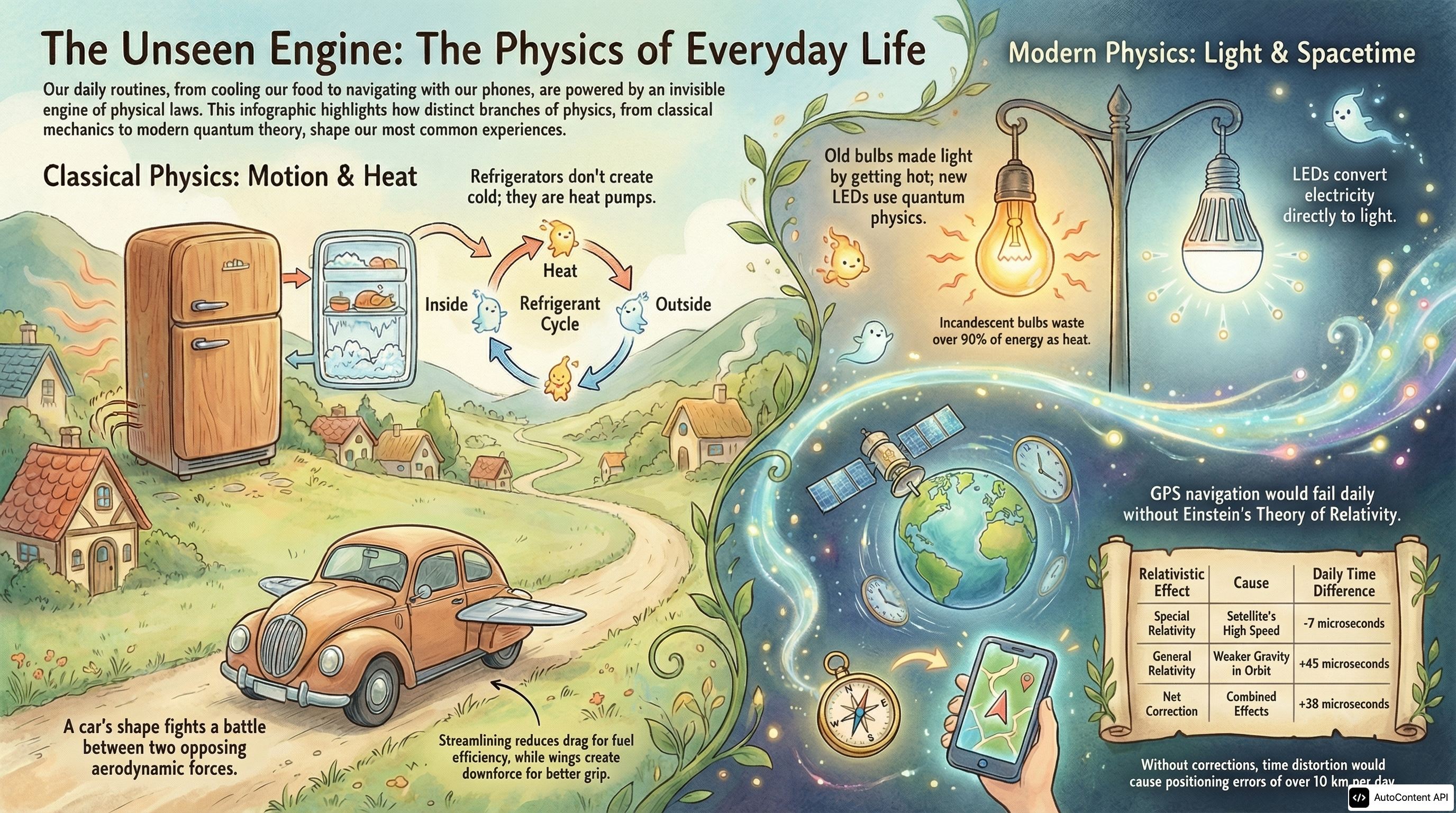
The Unseen Engine infographic about the physics of everyday life
Infographic

The Unseen Engine: The Physics of Everyday Life

Open full resolution
Explainer video

The Physics Behind Everyday Things

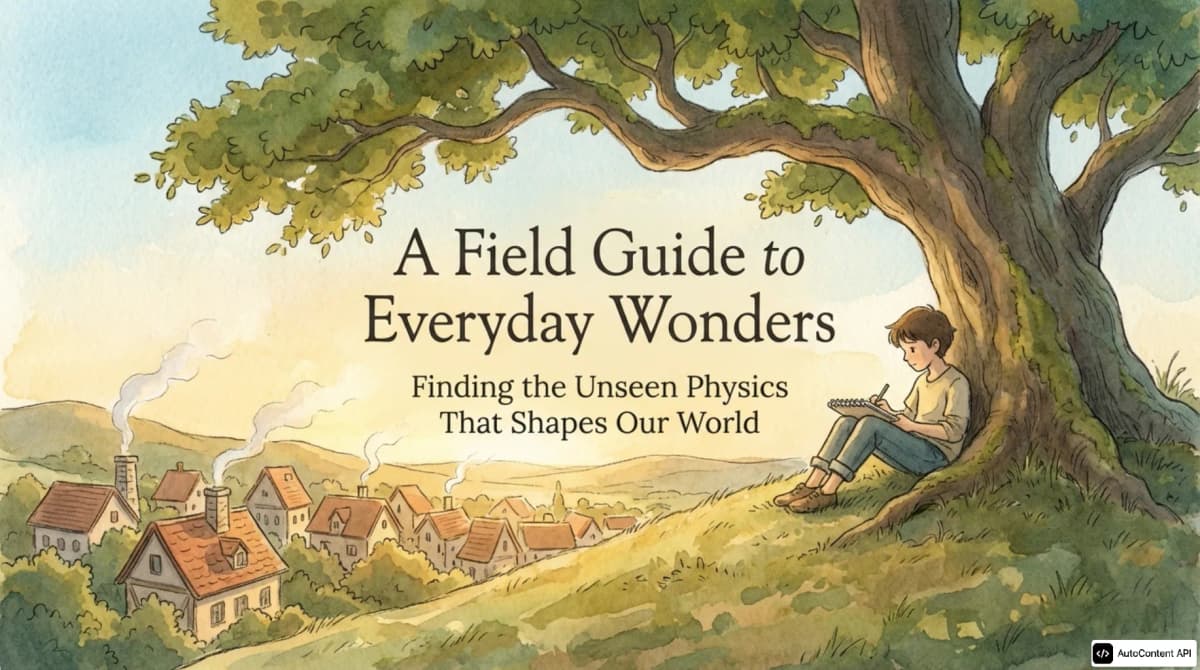
Cover of A Field Guide to Everyday Wonders slide deck
14-slide deck

A Field Guide to Everyday Wonders

Open PDF
Cover art for The Physics Behind Everyday Things podcast
Podcast · 30:47

The Physics Behind Everyday Things

This episode explores the intricate physics underlying everyday experiences, from toasters to smartphones, and how mechanics, thermodynamics, and electromagnetism shape the modern world.

Sample preview
0:00 / 0:00
Open transcript and companion assets

Connect in one command

Add AutoContent to Codex

Connect the hosted MCP endpoint once. A valid AutoContent API key is required before the assistant can create assets.

codex mcp add autocontentapi --url https://mcp.autocontentapi.com/mcp
Ask for the deliverable in plain English.
Let the assistant start and monitor the content job.
Open the finished AutoContent link when it is ready.
See the full setup and terminal demo

NotebookLM MCP FAQ

Is AutoContent MCP an official Google NotebookLM MCP server?

No. AutoContent MCP is an independent, unofficial product and is not affiliated with or endorsed by Google. AutoContent uses NotebookLM internally for generation, but the MCP server does not connect to or read notebooks stored in your Google account.

Can I use AutoContent like a NotebookLM MCP?

For content generation, yes. AutoContent MCP gives Codex or Claude a similar source-to-content workflow: the assistant can create podcasts, infographics, slide decks, videos, and quizzes, monitor the job, and return the finished link. It is not a connector for Google notebooks.

Can AutoContent MCP access my existing NotebookLM notebooks?

No. If your goal is to query or manage existing Google NotebookLM notebooks, AutoContent MCP is not the right connector. It is designed to generate finished content assets from the sources you provide.

Which MCP clients are supported?

AutoContent MCP supports Codex CLI and Claude Code. Each client can connect to the same remote MCP endpoint with a one-line command.

Should I use the MCP server or the REST API?

Use MCP when people want to create content conversationally inside Codex or Claude. Use the REST API when your application needs direct requests, webhooks, scheduled jobs, or product-level automation.