One Source, Seven Assets: Turn a Report into a Podcast, Video, Infographic, Slide Deck, Quiz, Briefing Doc, and Short

Last updated July 1, 2026
The workflow
Start with one trusted source, generate one canonical content request, then repurpose it into channel-specific assets: podcast, video, infographic, slide deck, quiz, briefing doc, and short-form video.
A strong report should not stay trapped in one format. The same source can become a listenable podcast, a briefing document for executives, a slide deck for sales, a visual infographic, a quiz for learning, and a short video for distribution.
The trap is rebuilding each asset from scratch. When every channel uses a different prompt, facts drift. The better pattern is one source, one source map, and repeatable output requests that preserve the same facts while adapting the format.
The Seven-Asset Content Package
audio: podcast-style discussion for listeners.video: explainer or brief video for web, sales enablement, and social distribution.infographic: visual summary for landing pages and social posts.slide_deck: presentation-ready version for webinars or sales conversations.quiz: assessment or lead-capture follow-up.briefing_doc: executive summary for internal distribution.videowithformat: "brief": a short-form cut focused on the highest-signal takeaway.
Start with One Trusted Source
Use the same source payload for every asset so the story, facts, and positioning stay consistent. The source can be a PDF, URL, text block, product document, customer research note, or any other supported resource.
curl -X POST "https://api.autocontentapi.com/content/Create" \
  -H "Authorization: Bearer $AUTOCONTENT_API_KEY" \
  -H "Content-Type: application/json" \
  -d '{
    "outputType": "briefing_doc",
    "format": "html",
    "resources": [
      {
        "type": "pdf",
        "content": "https://example.com/2026-market-report.pdf"
      }
    ],
    "text": "Use the report as the source of truth. Preserve named metrics, explain the key findings, and adapt the output for a B2B executive audience.",
    "callbackData": "campaign=market-report-2026"
  }'
The first request gives the team a reviewed reference asset. From there, generate channel-specific formats using the same resources or repurpose the completed request.
Generate Each Asset with the Same Source Map
For direct creation, change outputType and keep the source consistent. For example, a slide deck request can use the same report and a presentation-specific instruction:
curl -X POST "https://api.autocontentapi.com/content/Create" \
  -H "Authorization: Bearer $AUTOCONTENT_API_KEY" \
  -H "Content-Type: application/json" \
  -d '{
    "outputType": "slide_deck",
    "slideDeckFormat": "presenter",
    "duration": "default",
    "resources": [
      {
        "type": "pdf",
        "content": "https://example.com/2026-market-report.pdf"
      }
    ],
    "text": "Turn this report into a board-ready slide deck with clear section headings, key numbers, source notes, and a final recommendations slide."
  }'
Repeat the pattern with audio, video, infographic, quiz, or briefing_doc. For short-form distribution, use outputType: "video" with a concise prompt and a documented video format such as brief.
curl -X POST "https://api.autocontentapi.com/content/Create" \
  -H "Authorization: Bearer $AUTOCONTENT_API_KEY" \
  -H "Content-Type: application/json" \
  -d '{
    "outputType": "video",
    "format": "brief",
    "resources": [
      {
        "type": "pdf",
        "content": "https://example.com/2026-market-report.pdf"
      }
    ],
    "text": "Create a short-form executive video. Focus on the top three findings, avoid hype, and include source-grounded takeaways."
  }'
Repurpose a Completed Request
When a request is complete, use /content/Repurpose to create a new asset from the same underlying material. This keeps the source workflow clean and makes it easier to track the original request.
curl -X POST "https://api.autocontentapi.com/content/Repurpose" \
  -H "Authorization: Bearer $AUTOCONTENT_API_KEY" \
  -H "Content-Type: application/json" \
  -d '{
    "requestId": "REQUEST_ID_FROM_BRIEFING_DOC",
    "outputType": "infographic",
    "infographicOrientation": "portrait",
    "infographicDetail": "standard",
    "text": "Create a visual summary of the core findings for LinkedIn and the campaign landing page."
  }'
Where Each Output Fits
Use podcasts for listenable summaries, videos for explainers and short briefings, infographics for visual summaries, and slide decks for sales or executive workflows. For more input-output combinations, browse the conversion library.
Operational QA
- Keep one source URL or request ID attached to every derived asset.
- Use
callbackDatato carry campaign, customer, or job metadata into downstream workflows. - Poll
/content/Status/{request_id}until the request reachesstatus: 100. - Review high-stakes claims before publishing assets externally.
- Link the canonical report page from every derived asset to avoid competing SEO copies.
More Articles

Programmatic SEO After AI Overviews: Source-Backed Content Without Scaled Content Abuse

Build a Daily AI Briefing Feed from X, Reddit, YouTube, and Deep Research

From Product Feeds to AI Buying Guides: Automating Ecommerce Comparison Content for ChatGPT and Google Shopping

Production Guide: Polling, Webhooks, Retries, and Status Handling for Content Generation APIs
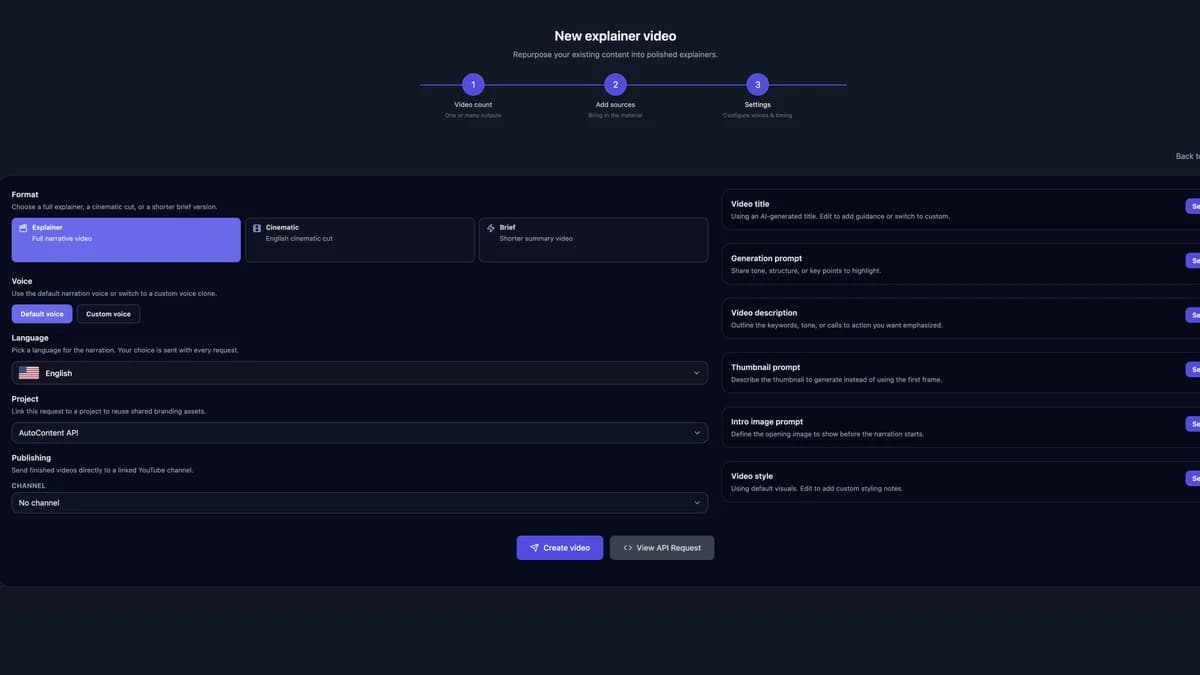
How to Create AI Explainer Videos with Your Own Company Logo
