Video to slides: a recorded talk on slide design as a fourteen-slide deck
Video to slides with an API: a CC BY talk on designing slides became a fourteen-slide PDF deck. See every slide, copy the request and read our check.
How this was made. Audio and video overviews, slide decks, infographics and quizzes are made with Google's Gemini Notebook (formerly NotebookLM), on accounts that AutoContent operates. AutoContent has no agreement with Google. Google can limit or stop this access at any time.
Show all 14 slides
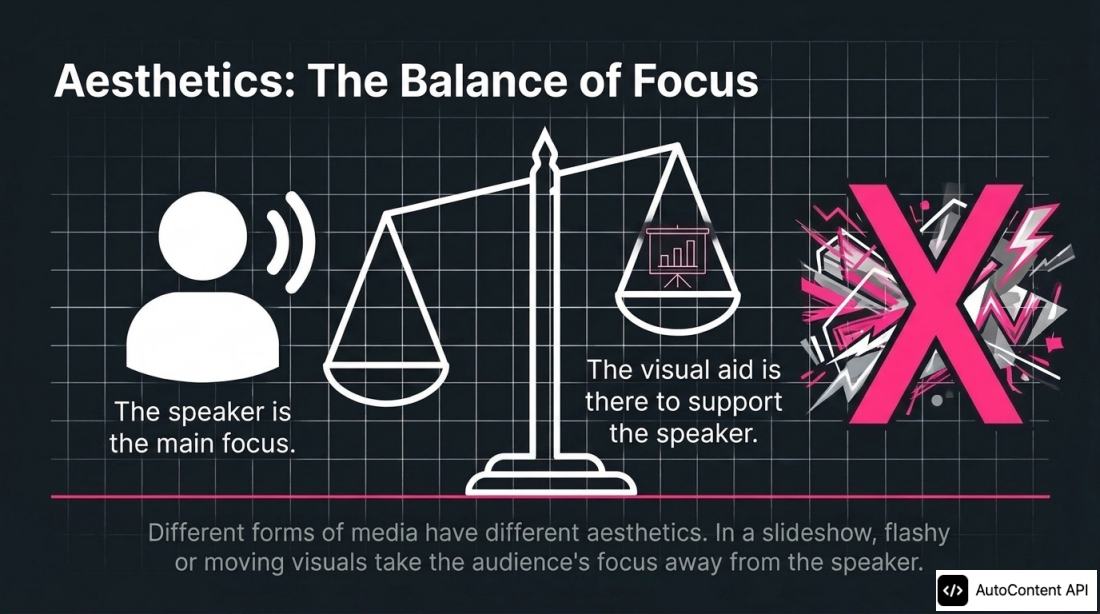
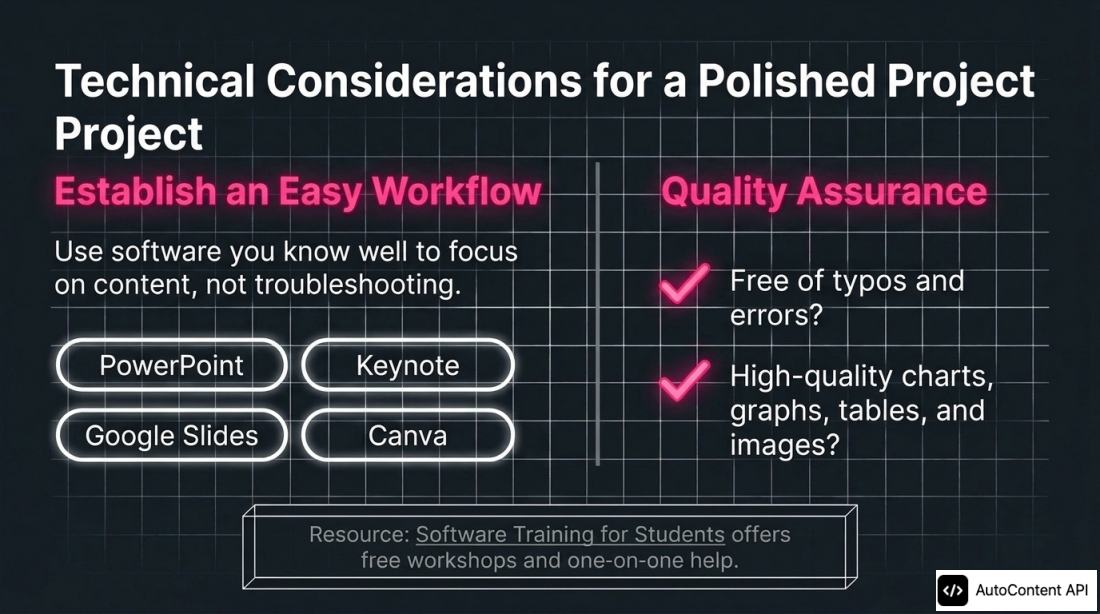
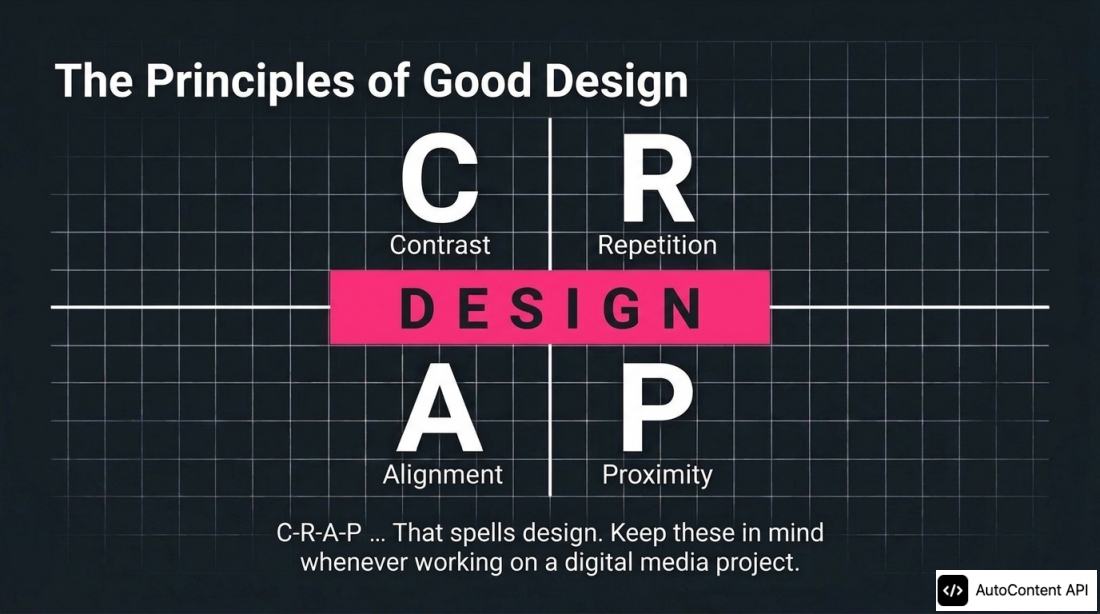
The deck is a PDF: each slide is a picture, so its text cannot be edited.
- Slides
- 14 slides
- Credits used
- 10 credits
- Cost on the Starter plan
- €0.29
- Generation time
- 10 min 35 s
- Format
- Slide deck
- Job
- Talks and webinars
- Language
- English
- Generated on
- 2026-11-04
This output used 10 credits, which is €0.29 on the Starter plan (€29 per month for 1,000 credits). Failed generations use none. Generation time runs from the request to the finished file; it depends on the sources, the options and the queue.
What came out, and what we would change
We sent the link to "Designing Recorded Presentations Part 1 - Slides", a talk by DesignLab at the University of Wisconsin–Madison on YouTube under CC BY, and asked for a deck that teaches the main ideas in the talk's order, one idea per slide, with no charts and no numbers that the talk does not give. With slideDeckFormat at detailed, the deck has fourteen slides.
This page took five runs. The first four used talks with numbers and charts, and each deck drew a chart or a number that was not in the talk: a plastic figure copied from a caption error, the size of a can end used for its neck, and a bar chart with invented values. The fifth run used a talk with no numbers, and its deck has no number and no data chart.
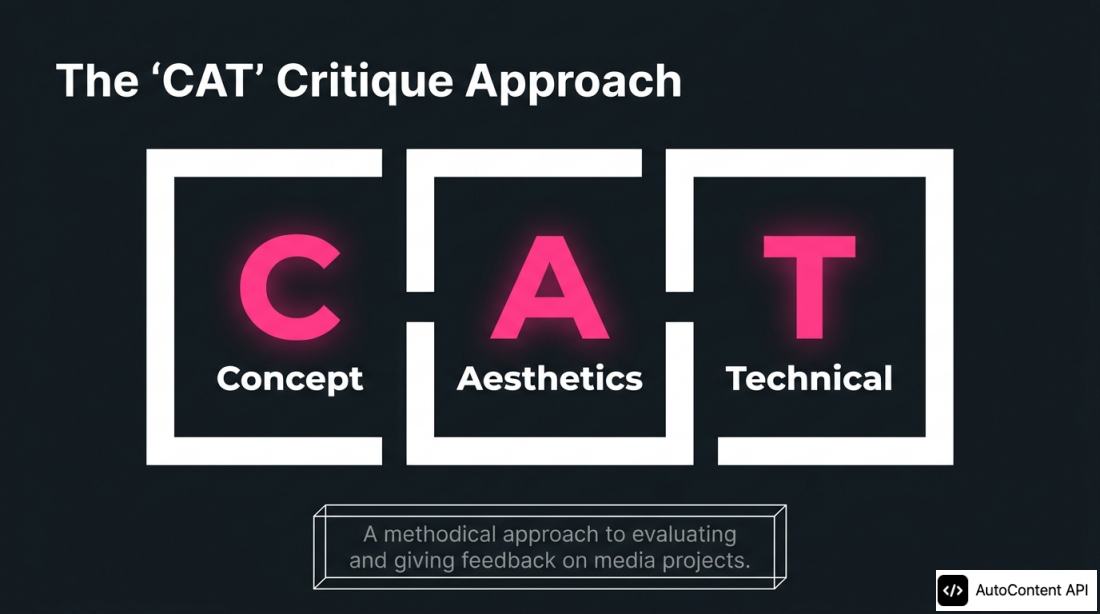
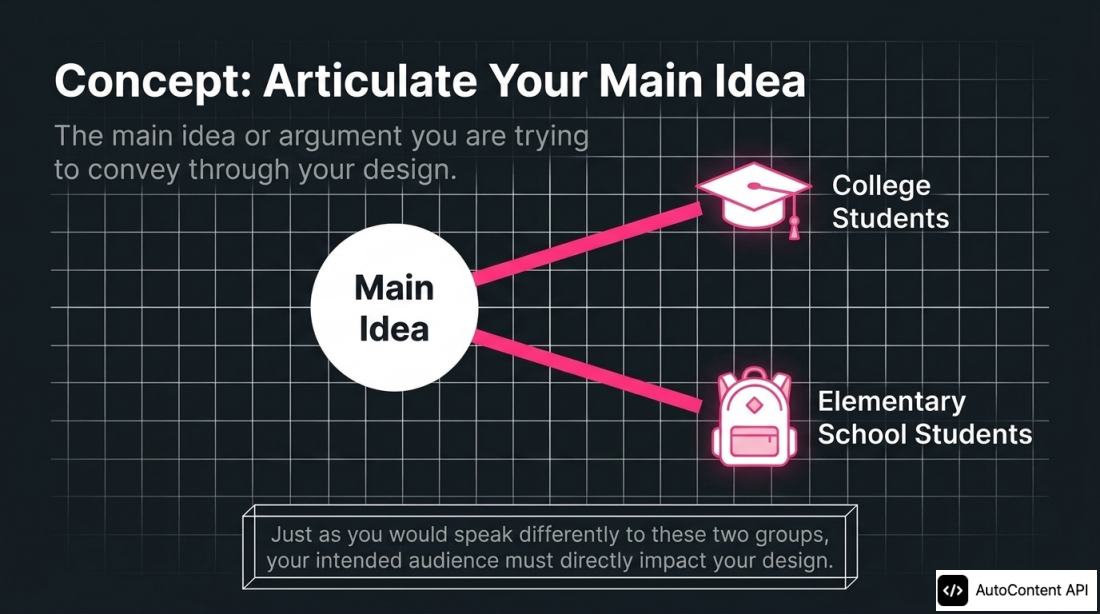
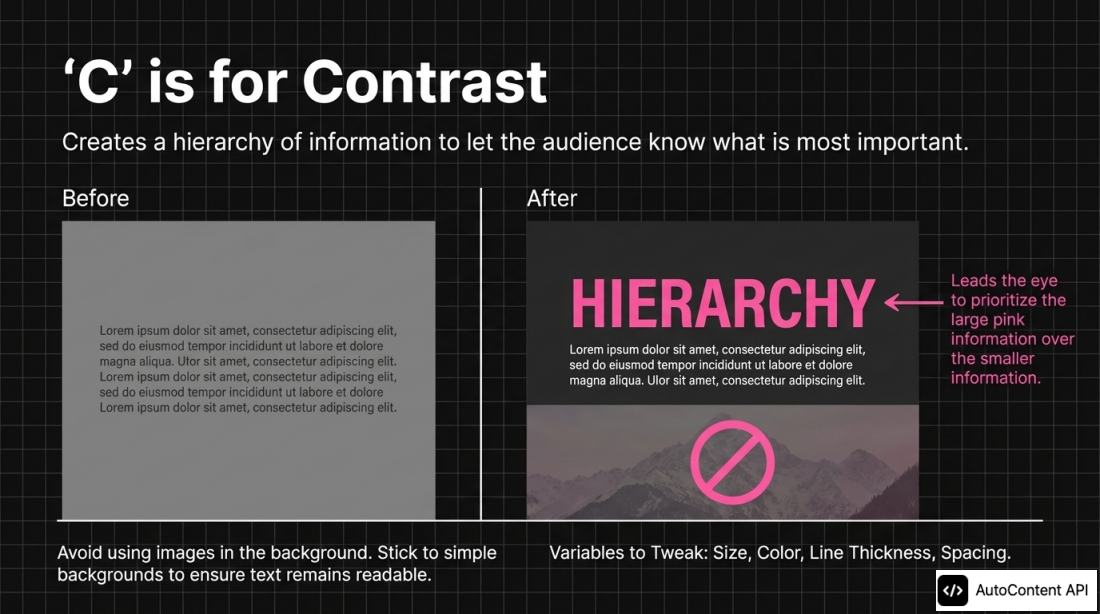
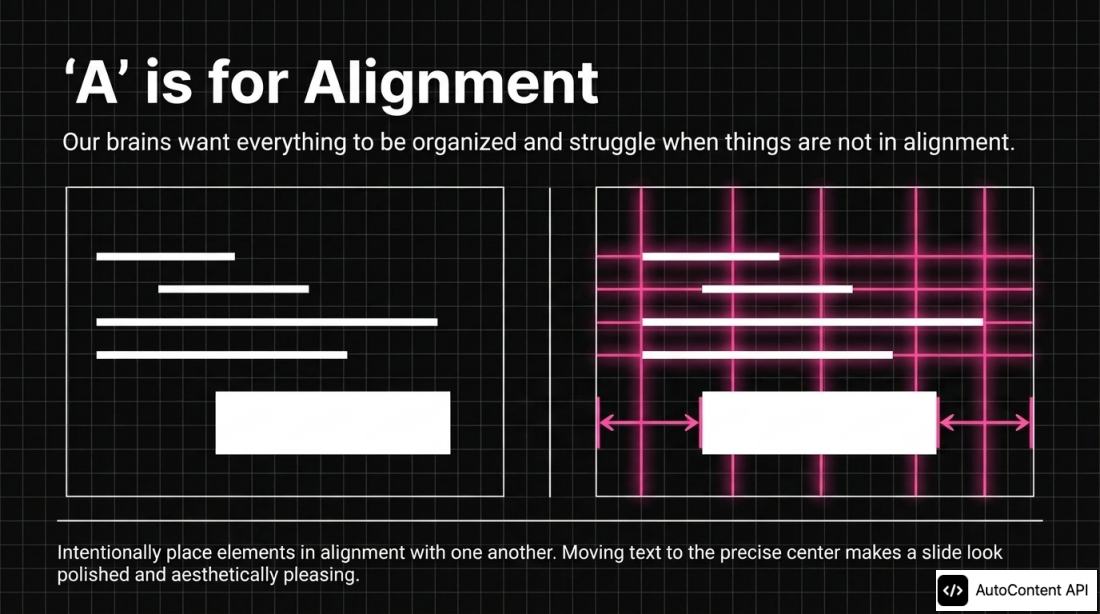
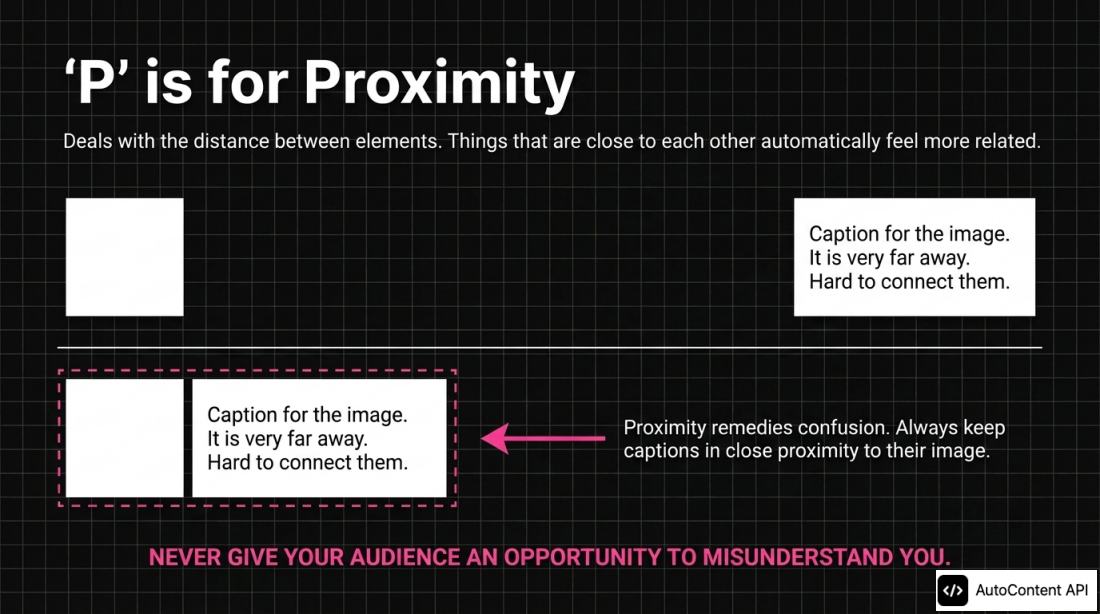
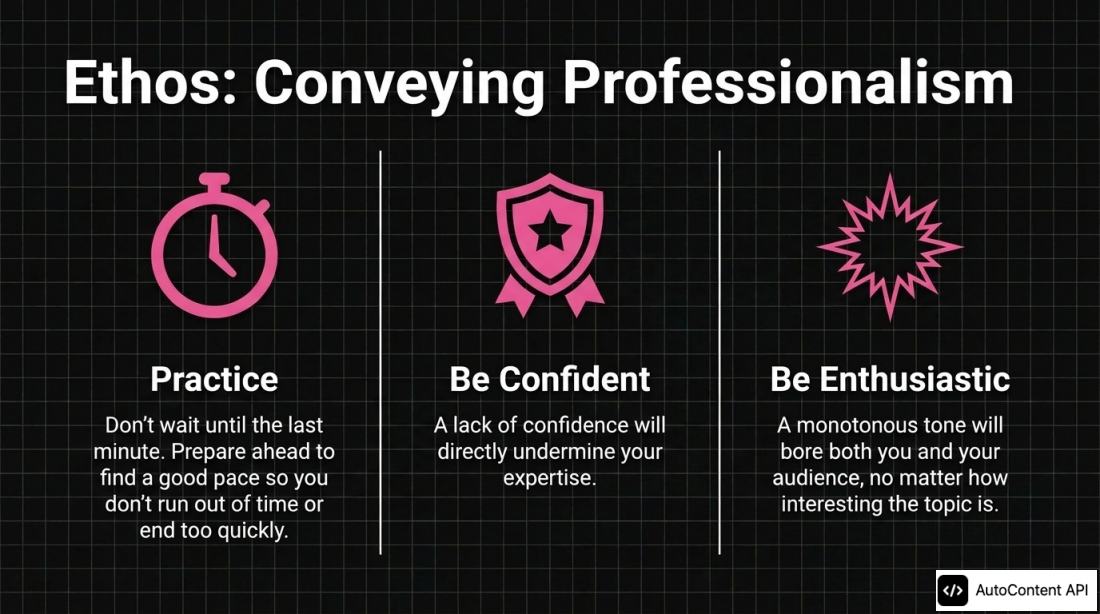
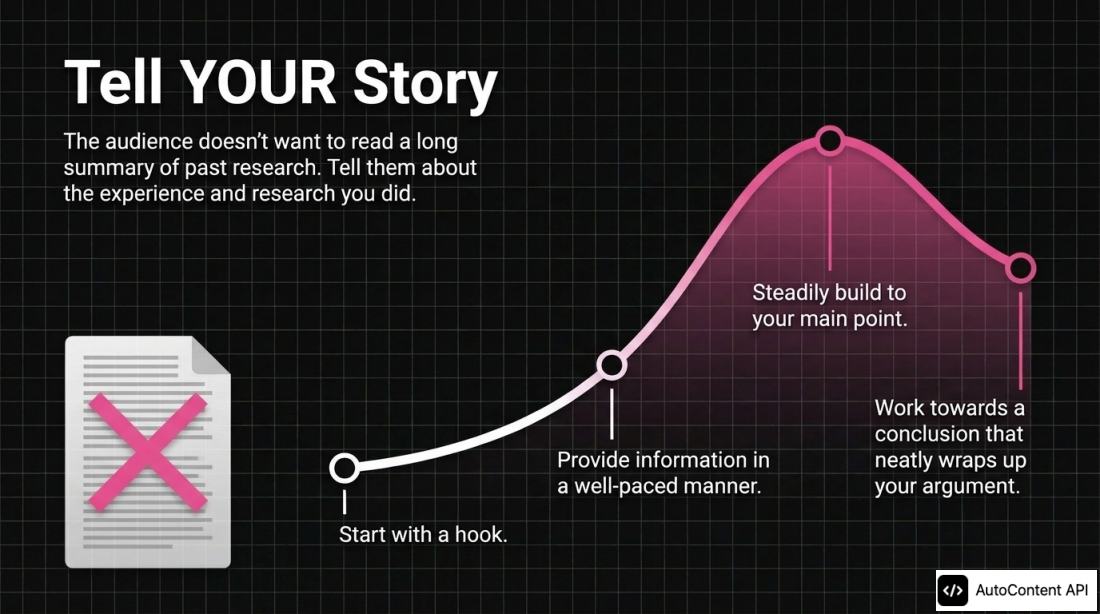
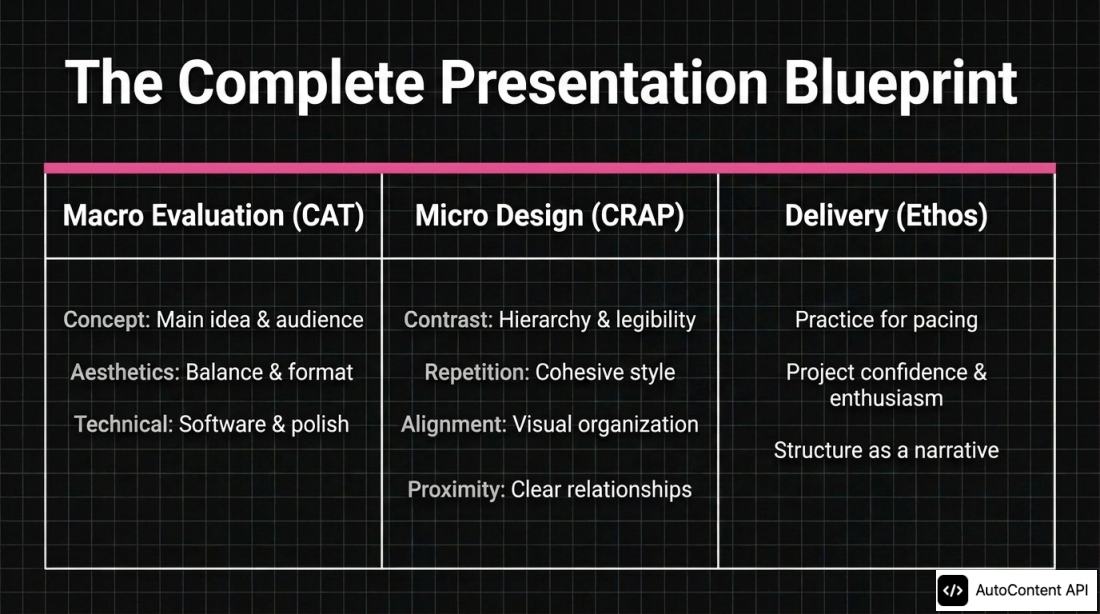
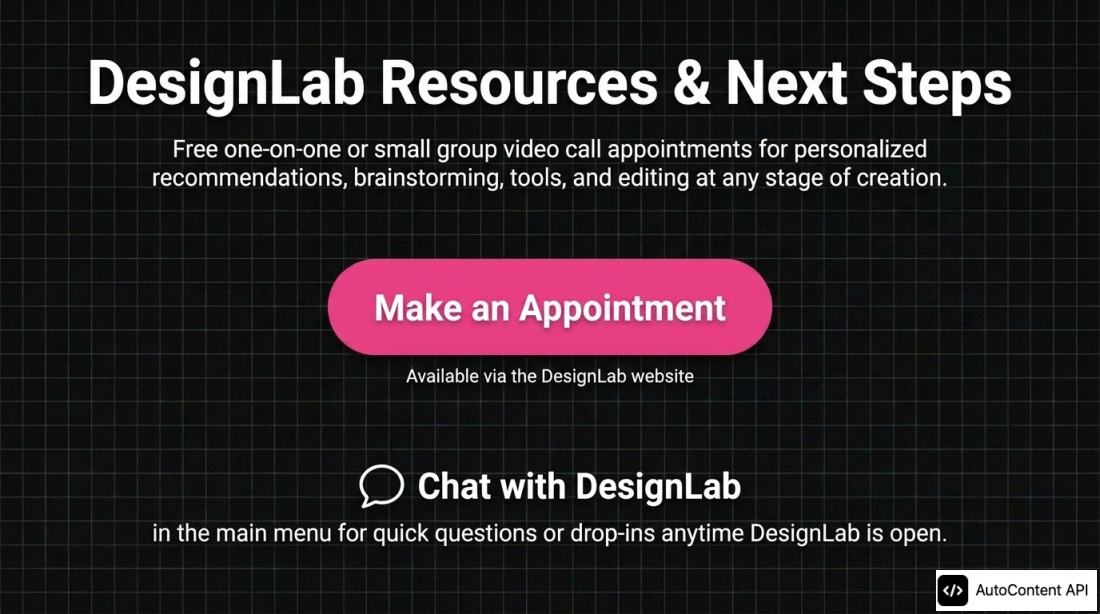
The slides follow the talk: the CAT critique approach (concept, aesthetics, technical), the design principles contrast, repetition, alignment and proximity, tips for delivery, a recap and DesignLab's help offers. Slide 12 changes one word: it says that the audience does not want to read a long summary of past research, where the talk says hear, and adds that they can read it on their own. Slide 5 repeats a word in its title ("Project Project"), the contrast slide fills its example with placeholder text, and the recap calls itself "complete" although the talk is part 1. The last slide gives DesignLab's appointment offers from a talk recorded during the pandemic, so they can be out of date.
The deck took 10 min 35 s to generate and used 10 credits.
Text on the slides
Taken from the PDF, not edited. It is part of the sample output.
'C' is for Contrast. Creates a hierarchy of information to let the audience know what is most important. Leads the eye to prioritize the large pink information over the smaller information. Avoid using images in the background. Stick to simple backgrounds to ensure text remains readable. Variables to Tweak: Size, Color, Line Thickness, Spacing.
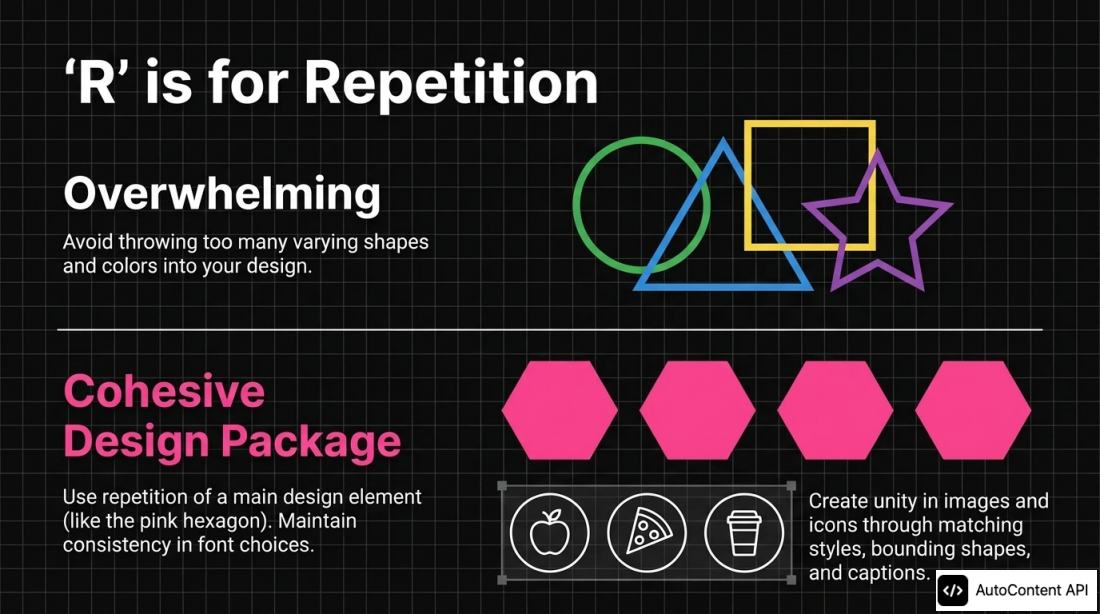
'R' is for Repetition. Avoid throwing too many varying shapes and colors into your design. Use repetition of a main design element (like the pink hexagon). Maintain consistency in font choices. Create unity in images and icons through matching styles, bounding shapes, and captions.
The exact request
The body that was sent to POST /content/Create, unchanged, and the same request as curl.
{
  "resources": [
    {
      "type": "youtube",
      "content": "https://www.youtube.com/watch?v=1jooFjrvlR8"
    }
  ],
  "outputType": "slide_deck",
  "slideDeckFormat": "detailed",
  "duration": "default",
  "text": "A slide deck that teaches the main ideas of this talk to people who missed it, in the talk's order, one idea per slide. Use only what the speaker says. Draw no charts and add no numbers that the talk does not give. Do not name the speaker.",
  "language": "English"
}
curl -X POST "https://api.autocontentapi.com/content/Create" \
-H "Authorization: Bearer $AUTOCONTENT_API_KEY" \
-H "Content-Type: application/json" \
-d '{"resources":[{"type":"youtube","content":"https://www.youtube.com/watch?v=1jooFjrvlR8"}],"outputType":"slide_deck","slideDeckFormat":"detailed","duration":"default","text":"A slide deck that teaches the main ideas of this talk to people who missed it, in the talk'\''s order, one idea per slide. Use only what the speaker says. Draw no charts and add no numbers that the talk does not give. Do not name the speaker.","language":"English"}'
# then poll until "status" is 100:
curl -H "Authorization: Bearer $AUTOCONTENT_API_KEY" "https://api.autocontentapi.com/content/Status/<request_id>"How we checked it
- Text
- We read the text of every slide against the source page and looked at every slide.
- Notes
- Review notes, against the English captions of the talk: the fourteen slides follow the talk, with no numbers and no data charts. Slide 12 says read where the talk says hear. Slide 5 repeats a word in its title, slide 7 fills its example with placeholder text, and slide 13 calls the recap complete although the talk is part 1. No text is under the badge.
- Checked on
- 2026-11-04. Failed generations are run again and never published.
More examples
All examples- Podcast · GermanKI-Podcast aus einem Vortrag: frühe Bauern und Jäger in Norddeutschland5 min 18 s · 10 credits (€0.29 on Starter)
- Why do beverage can engineers choose a cylindrical shape rather than a sphere or cuboid?A It provides the absolute minimum surface area for a given volume among all 3D shapes.B It balances rapid manufacturing capability and high packing efficiency with comfortable handling.C It completely eliminates unused void space during shipping and store displays.Quiz · EnglishVideo to quiz: an engineering video on the beverage can as nine questions9 questions · 10 credits (€0.29 on Starter)
 Slide deck · EnglishDoc to slides: the Kubernetes page on Deployments as a deck15 slides · 10 credits (€0.29 on Starter)